Class Register Management
Create registers for scheduled teaching sessions and associate them with the relevant course, module, group and delivery context.
iCollege connects attendance records to teaching sessions, class groups and student profiles. Teachers can submit registers through their portal, while authorised staff review absence information and attendance history.
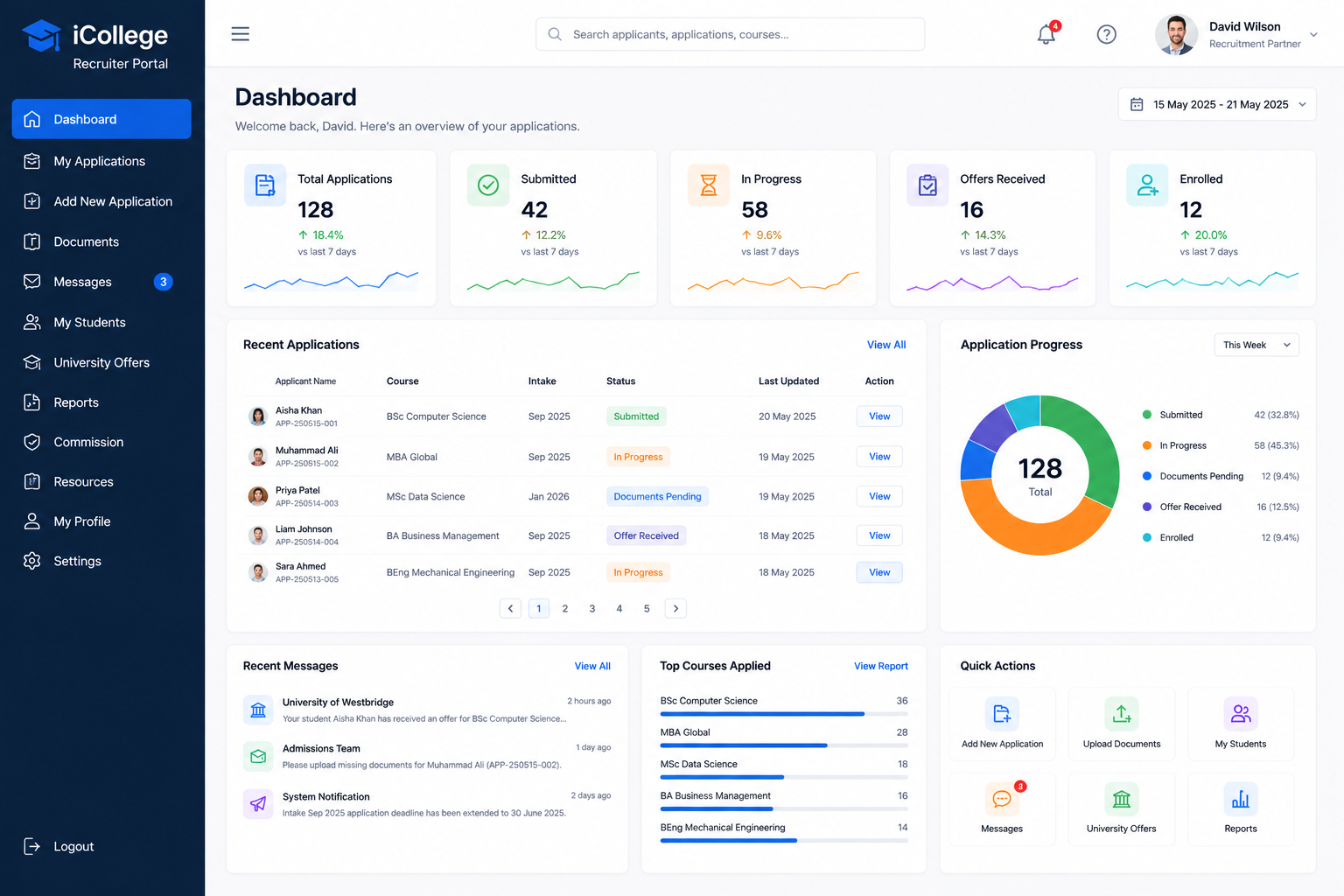
Each register is linked to its teaching context and student record. Teachers submit session attendance; staff can review attendance and absence information and use reports to monitor patterns across groups.
Create registers for scheduled teaching sessions and associate them with the relevant course, module, group and delivery context.
Teachers can submit attendance for their assigned classes. Session information remains connected to the relevant student records for later review.
Record authorised absence information, including reasons and supporting evidence where provided, alongside the learner’s attendance history.
Review attendance uploads and changes over time so staff have a clearer record of register activity.
Review attendance percentages and missed sessions across students, groups and cohorts to help staff identify records that may need follow-up.
Download register and attendance information for administrative checks, academic monitoring and management review.
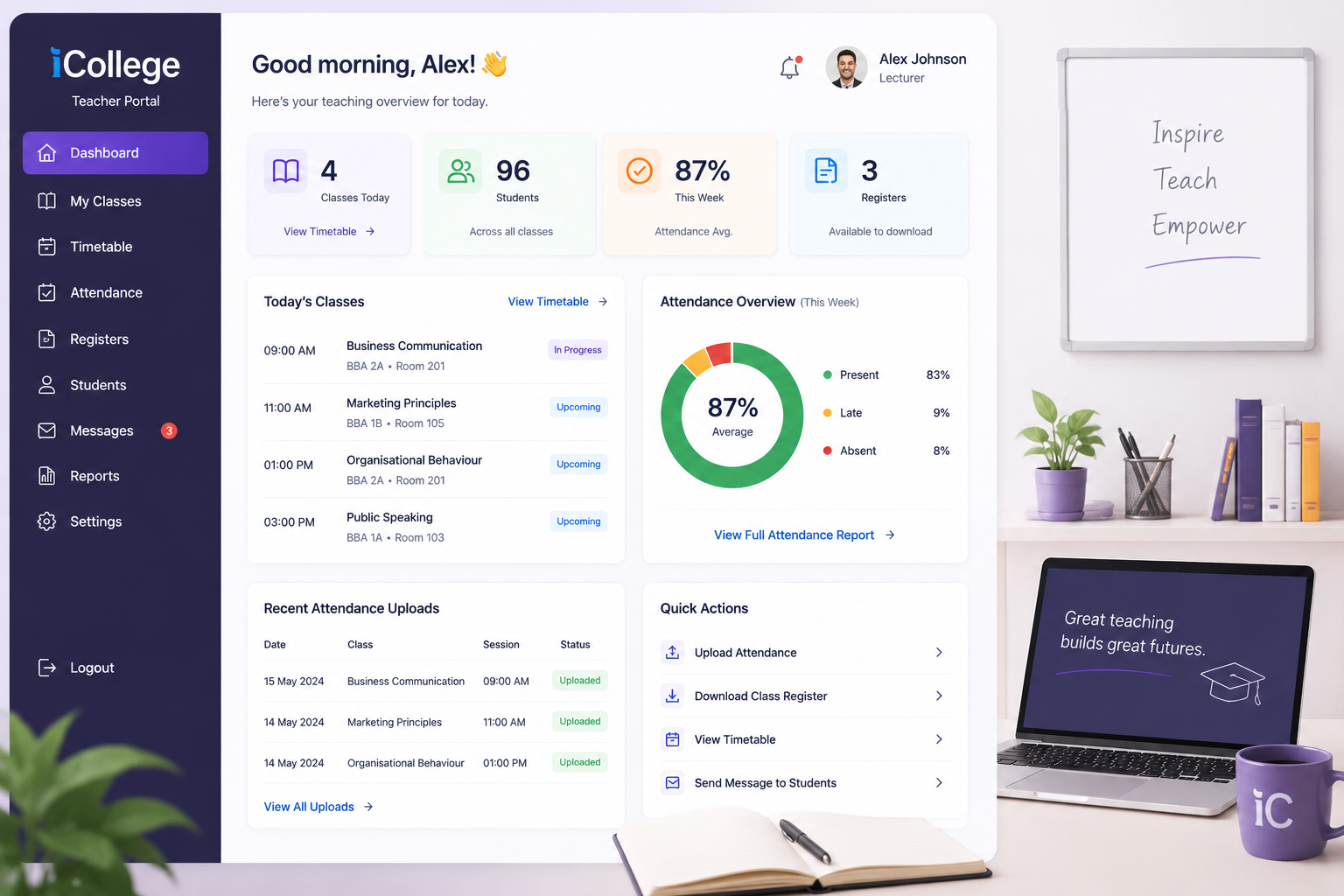
Teachers submit attendance for their classes; staff can review the session record, see attendance against student profiles and use reports to monitor attendance patterns.
Each register is tied to its teaching context, helping staff check which class was recorded, review absence information and follow a learner’s attendance across sessions. Staff remain responsible for deciding when an intervention is needed.
When registers, student profiles and absence records are connected, staff spend less time piecing together attendance information and can identify which records need attention.
Keep each register associated with the right teaching session, class group and student.
Use attendance percentages and missed-session information to decide which learners or groups need a closer look.
Let teachers submit attendance through a focused attendance upload workflow.
Keep attendance submissions, absence information and record history available for review.
Use iCollege to manage attendance across scheduled teaching sessions. Teachers submit class registers; authorised staff review attendance and absence information against student profiles; managers can use reports to review percentages and missed sessions across groups.
This gives staff a practical record to support routine checks and follow-up. iCollege records and reports attendance information; each institution defines its own attendance rules, thresholds and intervention process.
Request a demo to see how timetable-linked registers, teacher submissions, student attendance history and reporting work in iCollege.