Assigned Classes
Teachers can view the classes and timetable sessions assigned to them by academic administrators.
The iCollege Teacher Portal gives teachers and faculty members secure access to their assigned classes, attendance upload tools, timetable sessions and downloadable class registers.
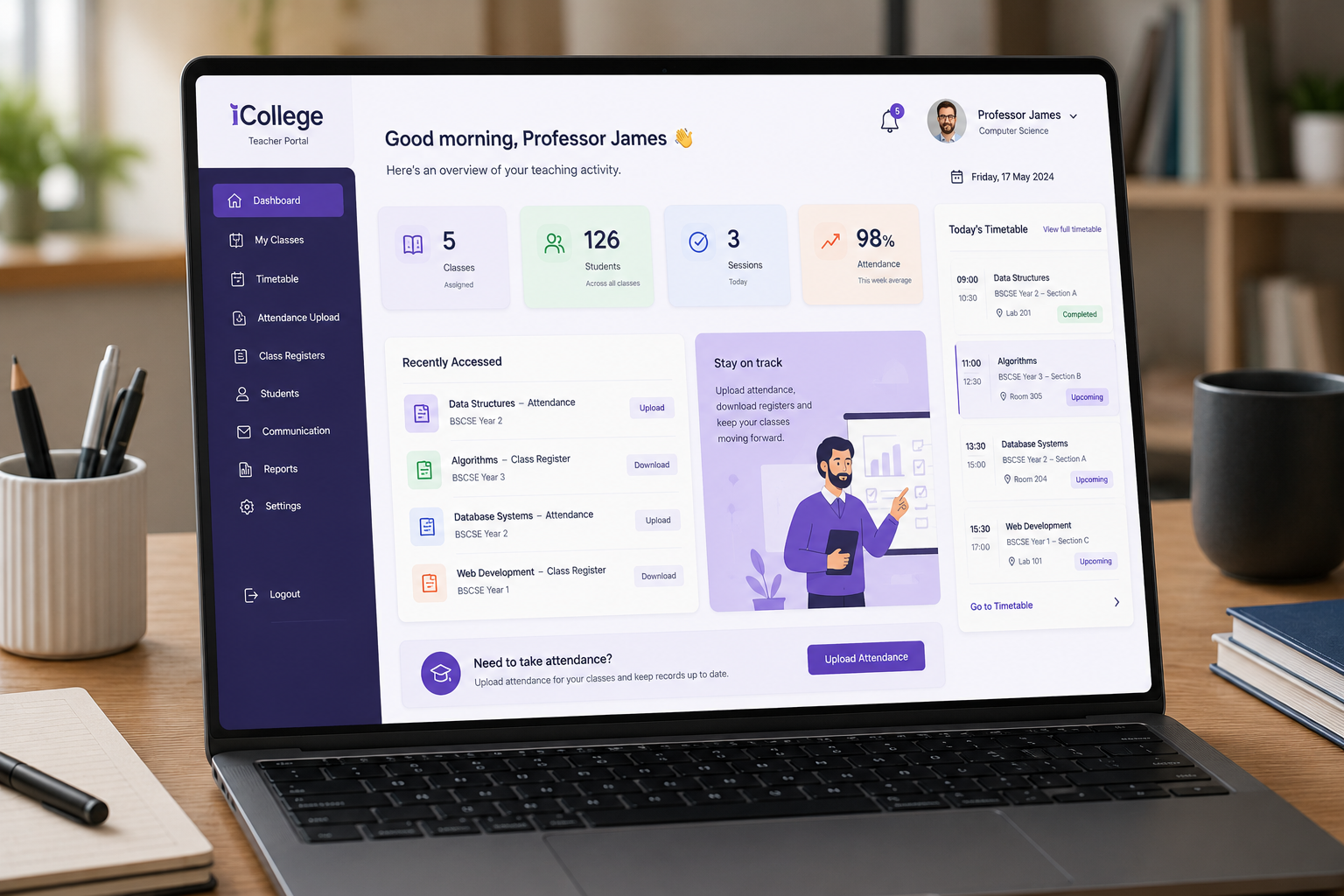
Teaching staff can complete attendance-related tasks through controlled portal access without requiring full administrative permissions.
Teachers can view the classes and timetable sessions assigned to them by academic administrators.
Faculty members can capture and upload attendance for their teaching sessions through role-based access.
Teachers can download class registers for scheduled sessions and classroom attendance activity.
Teaching teams can access session-level information to support accurate attendance and delivery records.
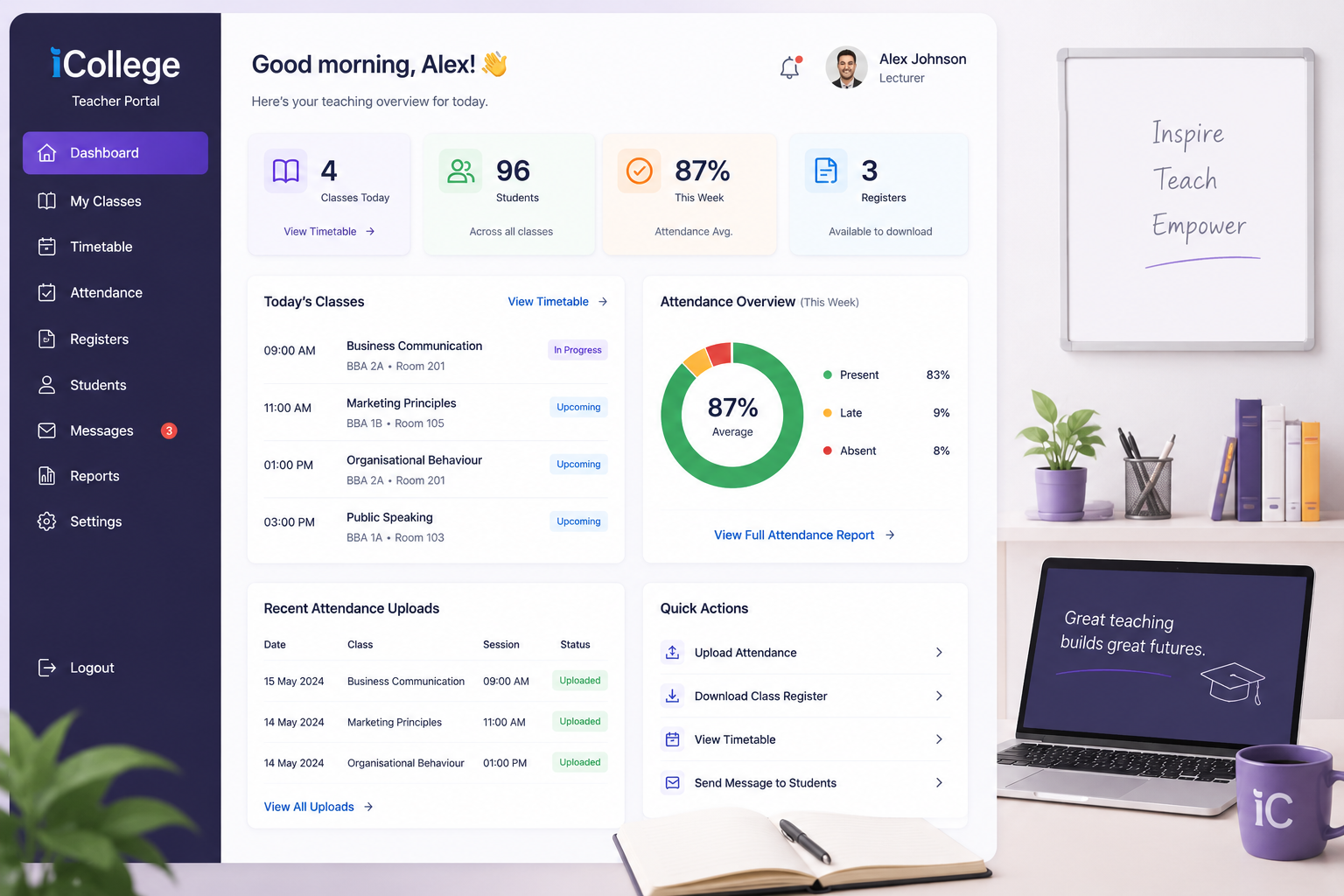
The Teacher Portal keeps attendance activity connected to timetables, class sessions and assigned faculty members while maintaining administrative control.
The Teacher Portal connects assigned teaching sessions with attendance capture and administrative oversight so each stage follows the timetable structure held in iCollege.
Administrators link faculty members with courses, modules, groups and timetable sessions. Teachers then see the classes and registers assigned to them through their own role-controlled portal access.
Teaching staff can record attendance for the relevant class session and work from downloadable class registers when required. The activity remains associated with the correct session, group and students.
Submitted attendance contributes to student attendance history and gives authorised teams visibility of session-level activity. This supports engagement monitoring, reporting and a clearer audit trail of who recorded attendance and when.
Request a demonstration of the iCollege Teacher Portal for assigned classes, attendance upload, class registers and timetable-linked teaching activity.